How to use DIGI service - Javascript example
Step 1: Login or register your account at digi.costpocket.com
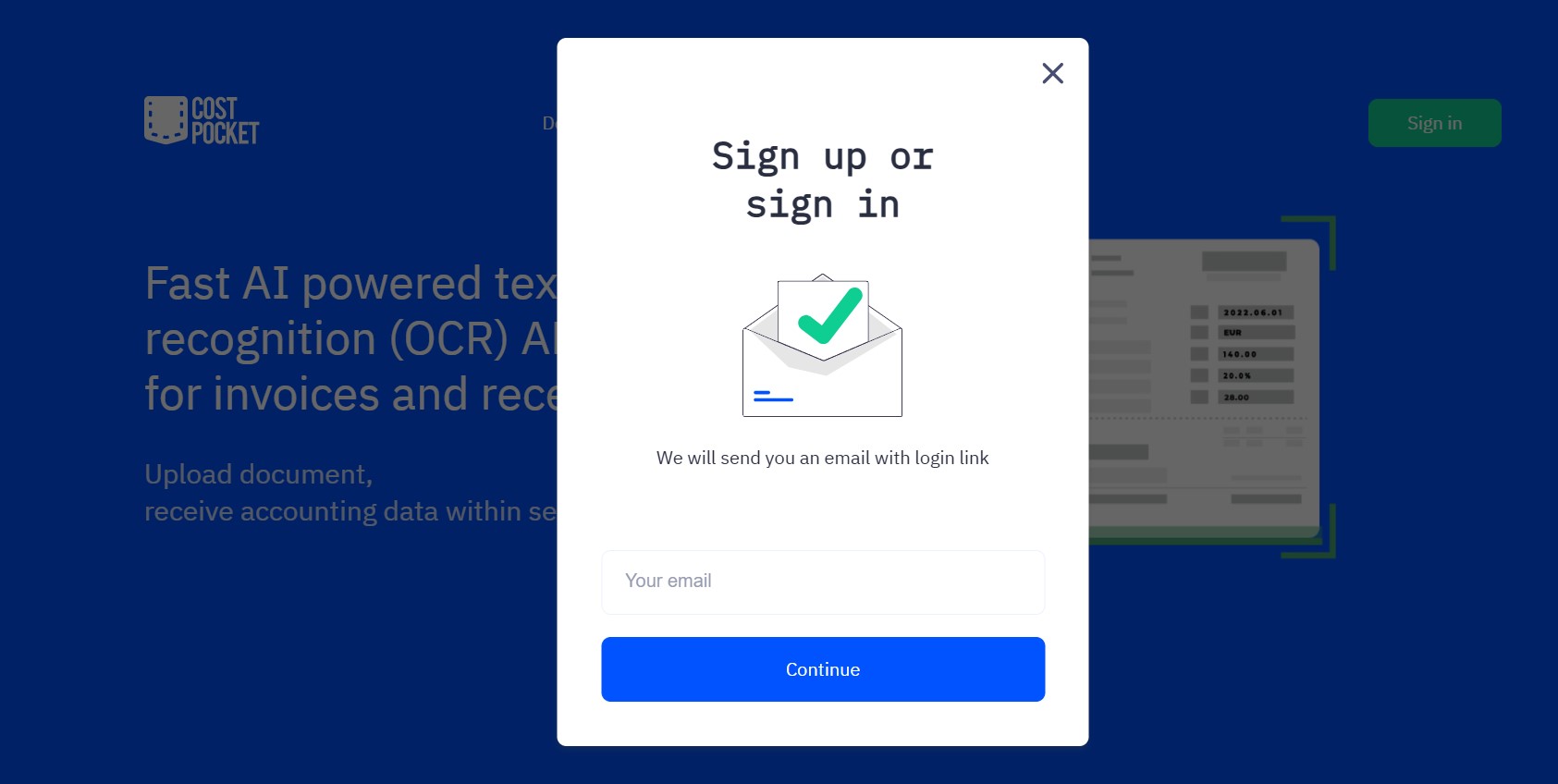
You will receive a one time usable code to your email. Enter this code and you will be directed to the DIGI Portal.
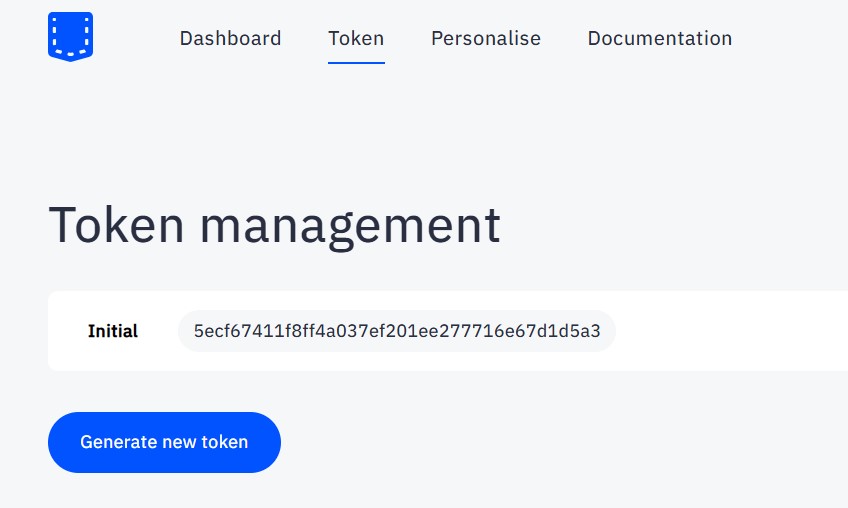
Step 2: In the DIGI Portal, find your first token (password). Copy this token, we will need it.
Step 3: Integrate DIGI into your code. You will need to:
- Choose the API endpoint suitable to your needs from the documentation.
- Use your token (password) in the headers as
{"Authorization": "Bearer your-token-here"} - Pass in the document as formData with "image"
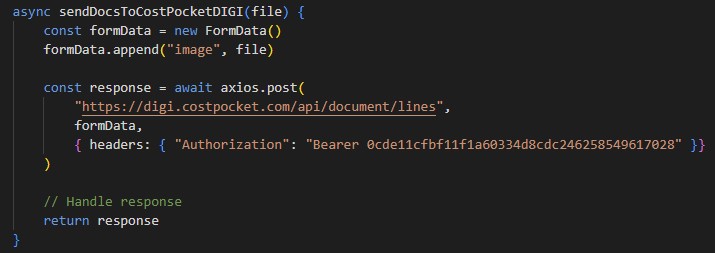
Here is a Javascript example using Axios:
async sendDocsToCostPocketDIGI(file) {
  const formData = new FormData()
  formData.append("image", file)
  const response = await axios.post(
    "https://digi.costpocket.com/api/document/lines",
    formData,
    { headers: { "Authorization": "Bearer 0cde11cfbf11f1a60334d8cdc246258549617028" }}
  )
  // Handle response
  return response
}